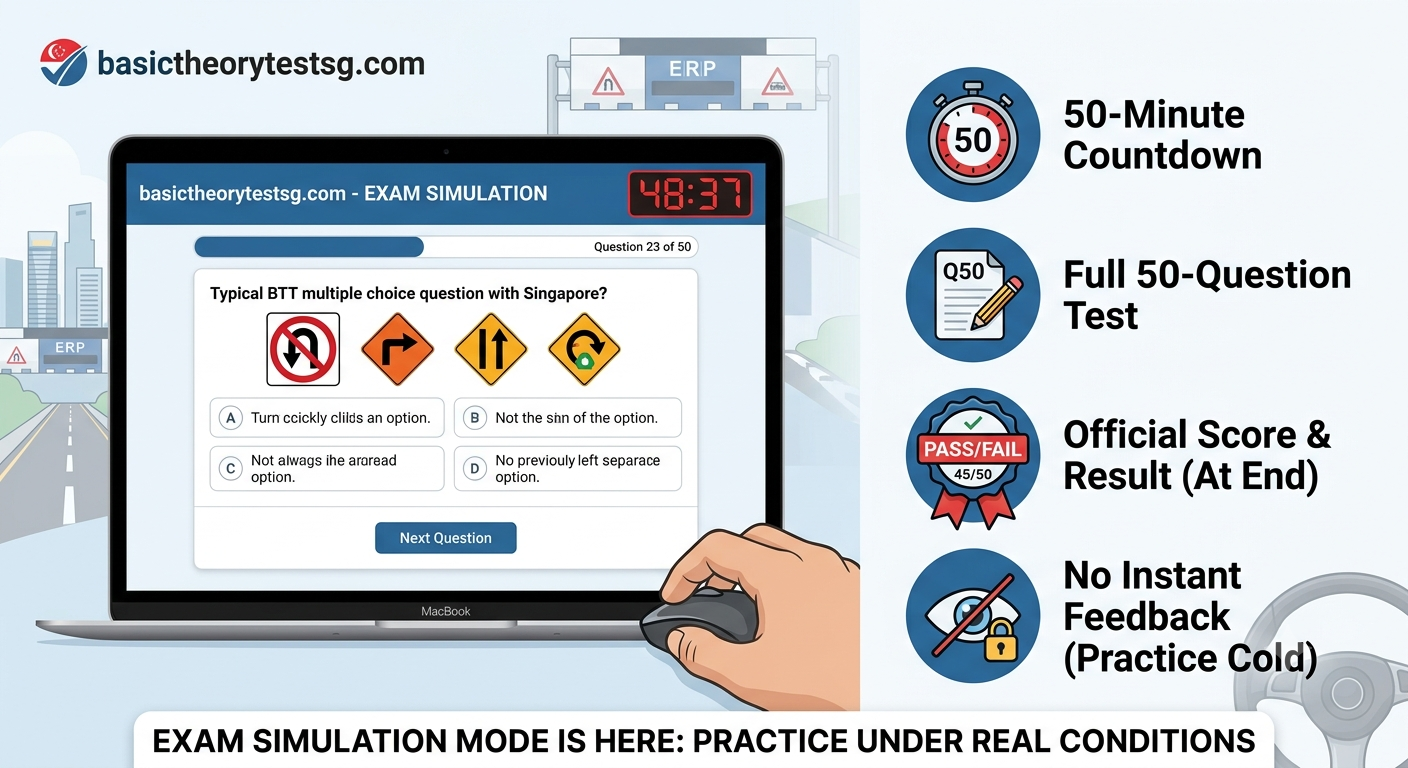
Exam Simulation Mode Is Here: Practice Your BTT or FTT Under Real Exam Conditions
We've just added a feature many of you have been asking for: Exam Simulation Mode.
Until now, our practice tests gave you instant feedback after every question — great for learning, but very different from what actually happens on exam day. Exam Simulation Mode closes that gap.
What changes in Simulation Mode
- 50 questions, every time. The same length as the real Basic Theory Test and Final Theory Test.
- A real 50 minute countdown. The timer starts the moment you begin and counts down at the top of the screen, exactly like the exam hall.
- No instant feedback. You won't see "Correct" or "Incorrect" after each question, and explanations stay hidden until the test ends. You have to trust your own judgement, question after question just like on the actual test day.
- A clear PASS/FAIL result at the end. Once your 50 questions are done (or time runs out), you'll see your score along with a PASS or FAIL badge, based on the same 45/50 (90%) passing mark used in the real exam.
Why it matters
Knowing the right answer when someone shows you the explanation right away is one thing. Recalling it cold, under a ticking clock, with no hints, is another. Exam Simulation Mode is built to close that gap before you walk into the real test centre, so the pressure of the actual exam feels familiar instead of overwhelming.
Need Help or Have Test Tips to Share?
Our official forum is now open! Ask questions about tricky BTT/FTT rules, share your driving test experiences, or help fellow learners pass on their first try.
How to start
From the homepage, scroll to the Exam Simulation Mode section and choose:
- Start BTT Exam Simulation, or
- Start FTT Exam Simulation
Pick a category if you want to focus on one topic, or leave it on "All Categories" for a full mixed exam. If a category has fewer than 50 questions available, the timer automatically adjusts (roughly one minute per question), so the test always stays fair.
As always, this feature is completely free no sign up required to try it, though creating a free account lets you save an in progress simulation and pick up right where you left off.
Good luck, and drive safe.